

Design And Enhance With Photoshop - Basic Edition
Watch as I show you how to get started with Photoshop to design and enhance images without hiring a graphic ...
Show more

Instructor
Raju Verghese
- Description
- Curriculum
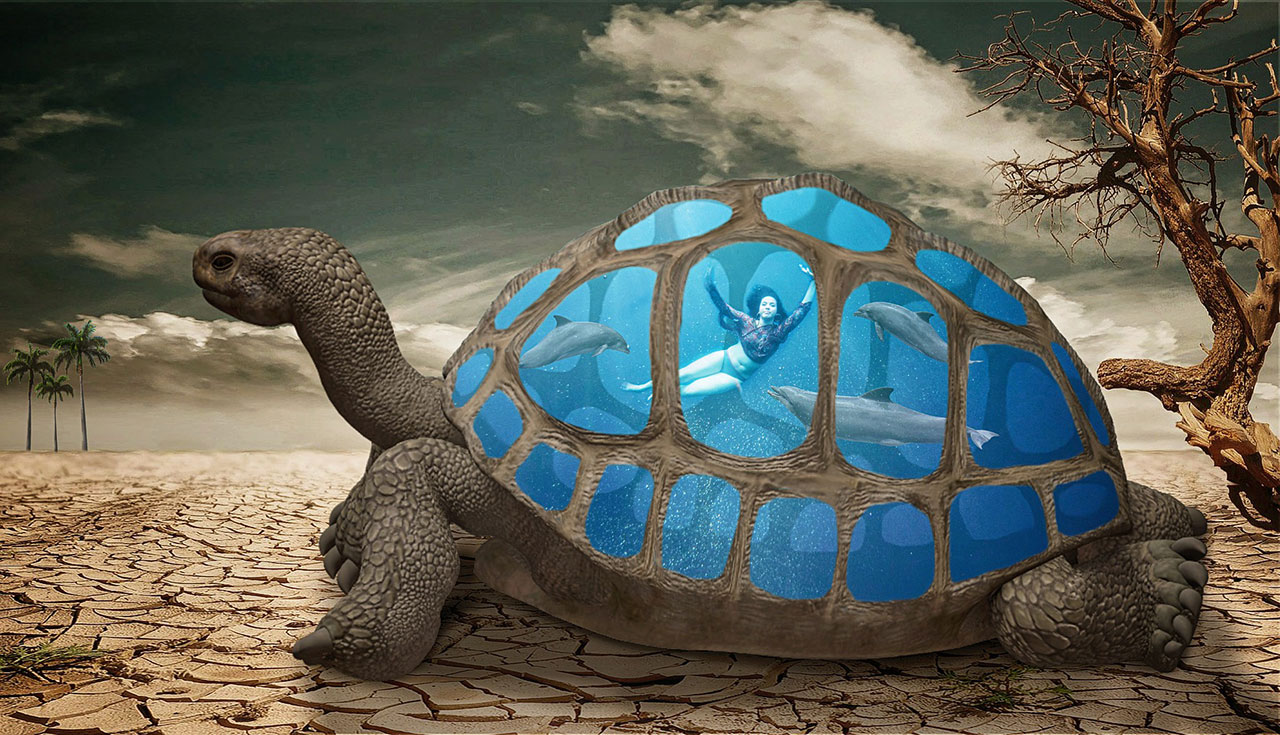
This is a 20-part Video Tutorials On How To Quick And Easily Create Stunning Graphics Using Photoshop.
Photoshop is the #1 tool for anyone looking to create amazing graphic designs and if you’re not using it, then you’re missing out big time.
What if you can finally create amazing graphic designs without spending a dime? Even if you are new to the world of design, it is easy to get started with Photoshop. From beginners to seasoned professionals, Photoshop has all the tools and features you need. It’s simple to use and easy to understand. Photoshop can turn a beginner into an expert in no time at all. The more you get use to this software, the easier it gets to create high quality designs without the need to hire a graphic designer.
Some insights about Photoshop…
Photoshop was launched by 2 brothers Thomas and John Knoll in 1988. The first version of the powerful graphics design software was designed in 1990. Since then it has become the most used software among web developers and designers alike. The first major Photoshop update, Photoshop CS was released in 2003, it was the 8th version of the software and it completely changed the face of the platform. Until this day, 28 versions of Photoshop have been released so far. In an effort to increase accessibility, Photoshop is distributed in 20 different languages. Currently, Photoshop has more than 10 million users worldwide.
Getting Started…
Watch as I show you how to get started with Photoshop to design and enhance images without hiring a graphic designer. I reveal my best tips for using some unknown tactics that only a few elite few knows. You get to see everything. I explain everything to you. There will be no guesswork. All you need is just a short hour of your time to learn everything and you’d be ready to get started with it instantly.
- Learn how to get use to the interface and configure your settings.
- Learn how to create your first image and which features to select when doing it.
- Learn how to work with the settings when editing images..
- How to quickly and easily enhance an image.
- How to generate images with multiple extension.
- How to use the configuration settings and be creative.
And so much more…
-
1
 1 - Photoshop Overview
 -
2
2 - Pricing and Licensing Options
-
3
3 - Basic File Types and Options
-
4
4 - Working with the Interface
-
5
5 - Working with A Basic Canvas
-
6
6 - Working with Layers
-
7
7 - Working with the Move Tool
-
8
8 - Working with Shapes
-
9
9 - Working with the Marquee Tool
-
10
10 - Working with Colors
-
11
11 - Working with the Paintbucket
-
12
12 - Working with the Eraser Tool
-
13
13 - Working with the Text Tool
-
14
14 - Working with Images
-
15
15 - Working with Sizing
-
16
16 - Working With Transparent Layers
-
17
17 - Using the Crop Tool
-
18
18 - Working with Layer Styles
-
19
19 - Working with Rotation of Images and Layers
-
20
20 - Photoshop Conclusion


